How to Redeem Codes in Search For The Needle
How to redeem Search For The Needle codes — where the Codes button is, the exact input rules, why valid-looking codes fail, and what to check before giving up.
Codes pay out real progression — Gems, luck boosts, event currency — so getting redemption right matters. The whole flow takes under a minute.
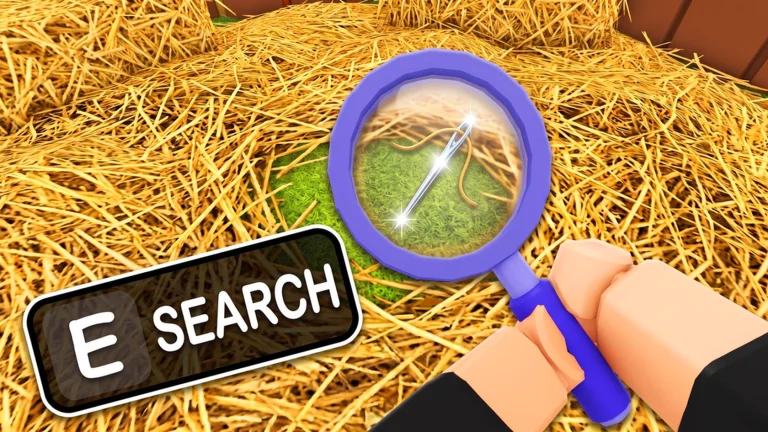
Step-by-step
- Launch Search For The Needle and load into FARMHOUSE.
- Find the Codes button on the main HUD — it sits with the other UI buttons around the play area (its icon position can shift between updates).
- Type the code exactly — codes are case-sensitive, so
PETSandpetsare different strings. Copy-paste from the active codes list if you can. - Confirm — the reward (Gems, boosts) lands immediately on success.
Why a real code can fail
- It expired. Codes die quietly — a code that worked last week can be dead today with no in-game announcement. Check the status column on the codes page.
- Typos. Capitalization, stray spaces, and look-alike characters (
0/O) are the usual culprits. - Stale server. Right after a patch, older server instances can run outdated code lists. Rejoin — a fresh 20-player server usually resolves it (server tips).
- Already redeemed. Most codes are once-per-account.
Where new codes come from
Codes historically drop with updates and events — PETS shipped with the Index + Pets update, ALIEN with the Alien event. Watch the game’s Roblox page and update feed; new codes land on our codes page as they are verified.
Related Articles
Search For The Needle Gems Guide: Every Way to Earn Them
How to get Gems in Search For The Needle — daily rewards, the 25-Gem group bonus, codes, the 2x Gems pass, and what Gems are actually for.
Search For The Needle Codes (September 2026): All Working Codes
Every Search For The Needle code for September 2026 — PETS and ALIEN status, rewards, redeem steps, and why trackers disagree. Last verified September 17.
Was this helpful?
Thanks for the feedback!